
Same pipeline, three caption presets.
Pick a preset per job and it is burned into the render: classic_bold for long-form, minimal_clean for demos and course work, highlight_brand for short-form. Nobody opens a subtitle editor.
Classic Bold
Large white text, heavy outline, center-bottom.
Minimal Clean
Smaller text, softer outline, barely-there shadow.
Highlight Brand
Largest text, golden accent colour, uppercase forced.
Customer story, recorded on location
2:0716:9customer story
Onsite: port terminal field day
3:2416:9field report
Onboarding: first invoice run
2:3616:9how-to
Open any one of them to see the source file, the template it ran under, every stage it passed through, and what it cost.
One file in. A horizontal, a vertical, and a silent loop out.
one source file
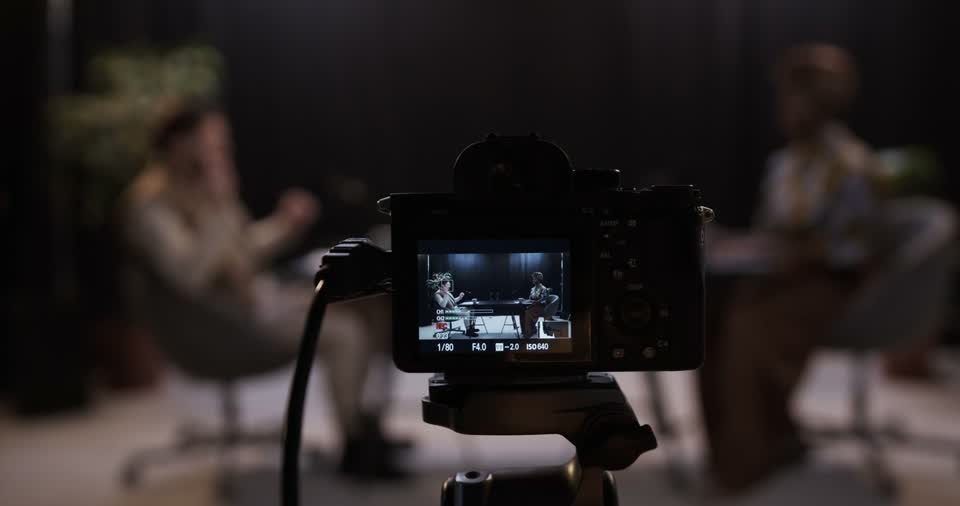
customer-interview-a-cam.mp4
- duration
- 24:05
- size
- 7.6 GB
- scenes found
- 12
Scene detection runs once. Each finished video below reuses those scenes under a different template, so none of this work is repeated.
Customer story
The full arc: the problem, the switch, the number they quote at the end.
- runtime
- 2:07
- aspect
- 16:9
- template
- customer story
- scenes kept
- 12 of 12
- minutes charged
- 2.1 min
Different footage, different length, same finished shape.
template in force
Release note
- opening card
- 2s, title from the script
- voice
- narrator 04, neutral
- captions
- burned in, 2 lines
- runtime ceiling
- 2:00
- closing card
- 3s, product wordmark
Each job copies this template at creation. Editing it later changes the next job, never one already running or open at review.
Warehouse module release note
- source
- 18:22
- scenes
- 9
- finished
- 1:52
Why we moved reconciliation nightly
- source
- 09:44
- scenes
- 6
- finished
- 1:47
What shipped, told from the floor
- source
- 41:38
- scenes
- 17
- finished
- 1:58
Autopilot when you are moving fast. Manual control when it matters.
The script is written from your own footage. You never touch a keyboard to get one. Leave review off and the job runs straight through to the finished file.
Switch it on for the videos where the wording matters and the pipeline stops here instead. Approve it, edit it, or leave it open. Nothing downstream runs and nothing is charged until you answer.
script / draft 1 / 51 words
They had been running two systems side by side for eleven months. One held
the orders, the other held what was actually on the shelf.
The switch took a weekend. What this video covers is the first Monday, and
the number the floor team quoted back at the end of it.
Review is a switch on the template. Turn it off and this screen never appears: the script goes straight to the voice.
After you approve, you can stop watching.
- probe00:04done, artifact kept
- scene detection00:38done, artifact kept
- script00:21done, artifact kept
- script review3d 04:12waited for you
- voiceover00:33done, artifact kept
- captions00:11done, artifact kept
- render00:47done, artifact kept
- seo metadata00:06writing metadata
There is no percentage bar anywhere in obclip. The job is in one of eight named stages and the interface says which. Close the tab and the state is still true when you come back.
Warehouse module release note is finished
to you@yourcompany.com
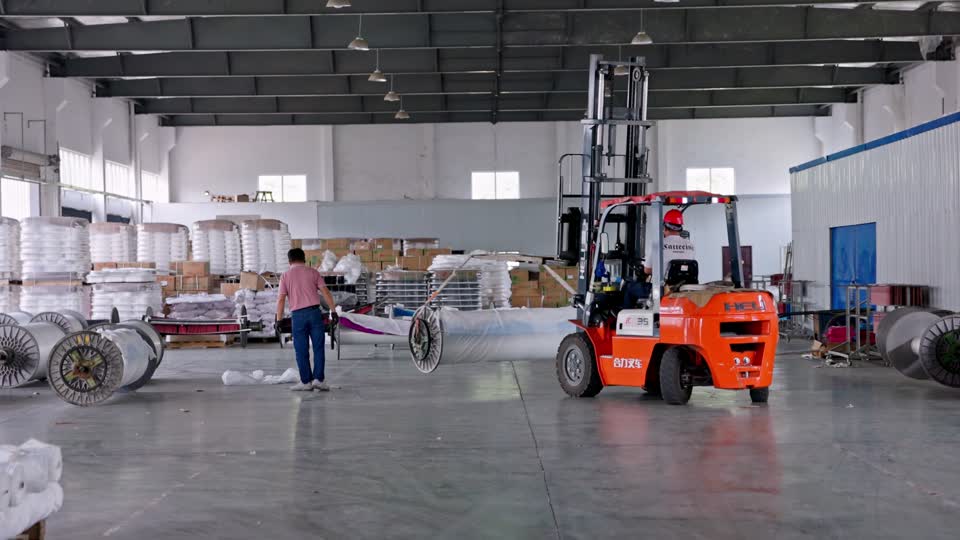
- runtime
- 1:52
- aspect
- 16:9
- template
- release note
- minutes charged
- 1.9
- support id
- obc-7f42-19c
The mail carries the finished file.
Plans built around finished video minutes, not seats.
18 of 30 finished video minutes used
resets 1st of the month, 00:00 UTC
Pick the amount of finished output you need each month. Every plan is built around the same obclip promise: raw footage in, final video out.
essentials
€6.50/ month
5 video minutes / month
For solo operators who need a small, reliable video production allowance.
- 5 finished video minutes per month
- 2 min max upload length
- 1 GB storage
- 1 workspace
starter
€16/ month
30 video minutes / month
For teams getting started with automated captions, branded narration, and clean exports.
- 30 finished video minutes per month
- 2 min max upload length
- 10 GB storage
- 2 workspaces
custom
Custom
Higher volume, team, or agency needs
For teams with higher volume, custom storage, or workflow support needs.
- Custom video minute allowance
- Custom storage
- More workspaces
- Migration or workflow support
- Direct onboarding
Common questions about the obclip pipeline.
- What is obclip?
- obclip is an automated video production pipeline for teams that need to turn raw footage into finished videos on a schedule.
- Who is obclip for?
- obclip is built for developers, operators, agencies, and content teams that want one staged workflow instead of separate tools for scripting, voiceover, captions, rendering, and metadata.
- What comes out of the pipeline?
- A typical run produces a scripted, voiced, captioned, rendered, and metadata-packaged video that is ready for review or publishing.
- Do I have to review every script?
- No. Script review is a switch on the template. Leave it off and the job runs from footage to finished file without stopping for you. Turn it on for the videos where the wording matters, and the pipeline holds after the script until you approve or edit it.
- Why does the staged workflow matter?
- The staged workflow makes runs inspectable and repeatable. Teams can review artifacts, rerun downstream stages, and keep production moving without rebuilding the whole job from scratch.
What obclip does not do
It does not clip.
No shorts, no highlight extraction. One finished video per job.
It does not publish for you yet.
You get a file and its metadata. Where it goes is your call.
It does not generate presenters.
No avatars, no synthetic faces. You shot the footage, it stays yours.
It is not a timeline editor.
There is no cut-level control. If you want to art-direct, use an editor.