
Stop recording demos
that never ship.
Drop in a screen recording. Get a polished demo with AI voiceover, styled captions, and chapter markers — ready to publish. Stop letting product videos die in your backlog.
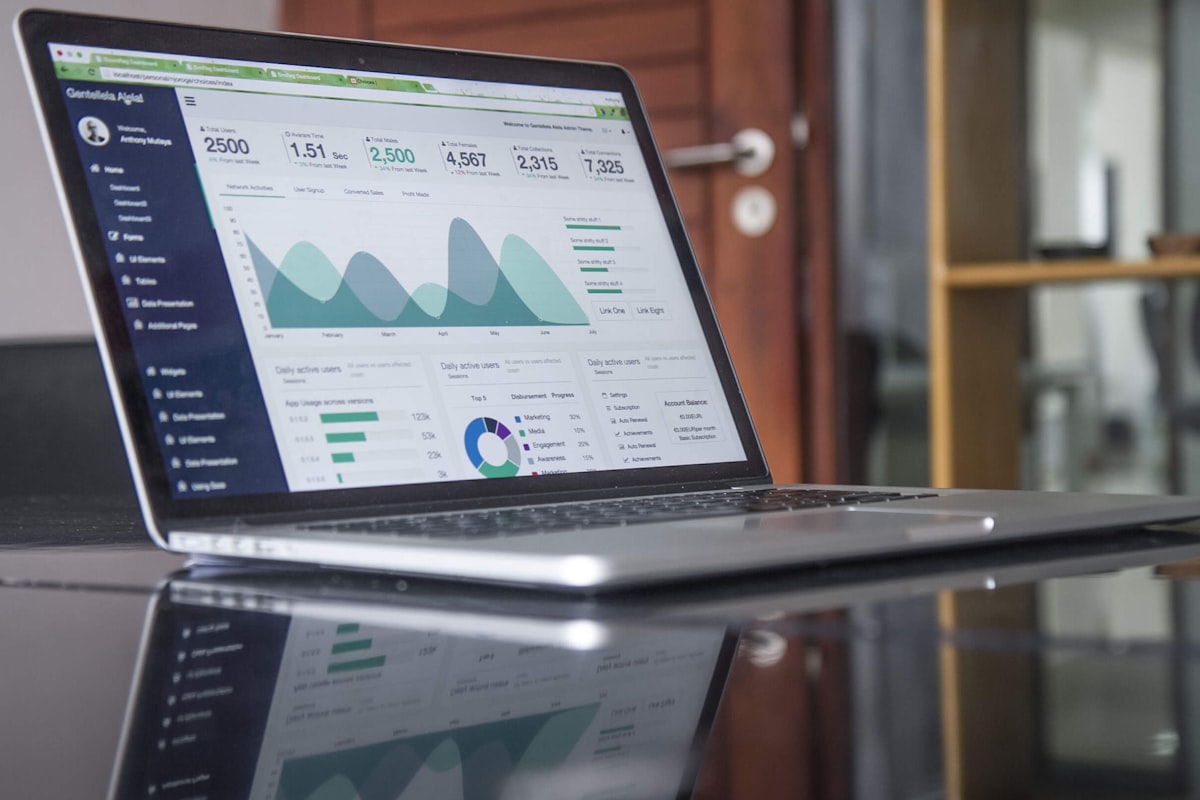
Automated product demos for SaaS companies means turning raw screen recordings into publish-ready videos — with voiceover, captions, chapter markers, and SEO metadata — without a video editor, an agency, or a two-week production cycle. obclip replaces the post-production bottleneck that stops product teams from shipping the demos they already recorded.
The problem
Why SaaS product videos die in the backlog
Engineers and PMs record screen walkthroughs constantly. The bottleneck is everything between “recording saved” and “video published.”
- 1Record screen walkthrough of the feature.PM or engineer15–30 min
- 2Write narration script from the recording.PM or marketing30–60 min
- 3Record voiceover or configure TTS tool.Marketing or contractor20–45 min
- 4Import recording + audio into video editor.Editor or contractor15–30 min
- 5Sync voiceover to screen actions, trim dead air.Editor45–90 min
- 6Add captions, chapter markers, branded intro/outro.Editor30–60 min
- 7Write SEO metadata — title, description, tags.Marketing15–30 min
- 8Internal review + revision cycle.PM + editor30 min–3 days
- 9Export and publish to YouTube / embed in docs.Marketing10–20 min
Conservative total: 3.5–6 hours per video. For a team shipping biweekly releases, that's 7–12 hours per month — a full sprint day — on post-production alone.
What changes
Upload a recording. Get a published demo.
Loom, OBS, QuickTime — it all works
Upload whatever you recorded. MP4, MOV, WebM. No format requirements, no plugins, no pre-processing. The pipeline handles codecs and resolution.
Script, voice, captions, chapters — automated
The pipeline generates a narration script, renders voiceover, burns captions, and attaches chapter markers. Review the script or approve as-is.
Same voice. Same style. Every video.
Lock your voice style and caption style at the workspace level. Anyone on the team runs the pipeline — PM, engineer, marketing — and gets brand-consistent output.
How it works
Screen recording in. Published demo out.
Four steps from raw capture to polished artifact. The pipeline handles script, voice, captions, chapters, rendering, and metadata.
Loom export, OBS capture, QuickTime recording, or any MP4/MOV/WebM. No format requirements. No pre-processing.
The pipeline analyzes your screen recording, drafts a narration script, and generates voiceover with your configured voice style — technical for dev tools, friendly for consumer SaaS.
Timed captions render in your chosen style. Chapter markers align to major feature sections, giving viewers a table of contents for longer demos.
Preview the finished demo. Publish directly to YouTube, download for embedding in your docs, or share with your team for review. SEO metadata is already attached.
Side by side
Manual production vs. obclip pipeline
| Manual Production | obclip Pipeline | |
|---|---|---|
| Recording to published | 3.5–6 hours + review cycles | Minutes (mostly render time) |
| Tools required | Screen recorder + editor + TTS + caption tool + YouTube Studio | 1 dashboard |
| Voiceover | Configure TTS per video → download → import → sync | Voice preset |
| Captions | Export transcript → time manually → style per brand spec | Caption preset |
| Chapter markers | Watch video → note timestamps → type into YouTube | Auto-detected from footage analysis |
| SEO metadata | Research keywords → write title/description/tags by hand | Auto-generated |
| Consistency | Depends on who edits this time | Locked presets, same quality every run |
| Scaling 2→8 videos/month | Hire an editor or contractor | Run more pipelines |
Annual cost vs. $10k–72k traditional
Per video (upload + review)
Pipeline turnaround for a 5-min demo
Use cases
Five SaaS video types that ship faster with a pipeline
Product demo videos
FlagshipScreen recording of the core product flow
Narrated, captioned demo with chapter markers and SEO metadata targeting product-category keywords
Homepage hero, product pages, YouTube, sales deck links
Changelog and release videos
RecurringScreen recording of the new feature or change
1–3 minute narrated walkthrough with captions. Metadata auto-targets changelog and update keywords
Changelog page, in-app notifications, email, YouTube
Onboarding videos
AdoptionScreen recording of the onboarding flow
Step-by-step narrated walkthrough with clear captions and chapter-segmented stages
Onboarding emails, in-app guides, docs, YouTube
API & developer tutorials
DevRelScreen recording of terminal session or IDE walkthrough
Narrated technical walkthrough with captions tuned for developer audiences
Developer docs, API reference pages, YouTube developer playlist
Sales enablement videos
RevenueThe screen recording your AE already made for the prospect
Branded, captioned version with professional voiceover. Reusable across similar conversations
Sales asset library, CRM links, follow-up emails
The math
Video production economics for SaaS teams
Three options. Same output — 4 videos per month. Different economics.
Based on 4 videos per month. Editor time valued at $50/hour. Pipeline subscription at €49/month (Team plan).
Templates
Pipeline templates for SaaS teams
Save time across recurring video types. Templates lock voice, caption style, and metadata defaults per video type.
| Template | Voice Tone | Caption Style | Length | Use Case |
|---|---|---|---|---|
| Product Demo | Authoritative, measured | Minimal Clean | 3–5 min | Homepage, sales assets, YouTube |
| Changelog Update | Upbeat, concise | Highlight Brand | 1–2 min | Changelog page, email, social |
| Onboarding Walkthrough | Friendly, step-by-step | Classic Bold | 2–4 min | Onboarding flow, docs, email |
| API Tutorial | Technical, precise | Monospace Code | 3–8 min | Developer docs, YouTube |
| Feature Teaser | Energetic, short | Animated Pop | 30–60 sec | Social media, in-app banners |
Content stack
Integrating video into your SaaS content stack
Documentation sites
Embed pipeline artifacts directly in your docs. Chapter markers let users jump to specific sections.
Docusaurus, GitBook, Readme.io, Mintlify, Nextra
Changelog tools
Link or embed demo videos alongside each release note. Users skim bullet points — they watch videos.
LaunchNotes, Beamer, Canny, custom changelog
Email campaigns
Include video thumbnails in release announcements and onboarding sequences for 2–3× higher click-through.
Any email platform
In-app messaging
Trigger onboarding or feature videos contextually when a user first encounters a feature.
Intercom, Pendo, Appcues, custom
FAQ
Common questions
What screen recording tools work with obclip?
Any tool that exports MP4, MOV, or WebM. Loom, OBS Studio, QuickTime, ScreenPal, Camtasia — whatever your team already uses. No plugins or integrations required.
Can I edit the auto-generated script before voiceover?
Yes. Turn script review on for the template and the pipeline holds after script generation: review the narration, edit for accuracy, adjust phrasing, then approve, and voiceover generates from the approved script. Leave it off and the job runs on autopilot straight through to the finished file.
How does obclip handle technical terminology?
The narrator brief in your voice style configuration accepts product-specific terms, pronunciation guides, and audience context. The script and voice stages use this to generate accurate narration.
Can I produce videos in multiple languages?
Voice providers support multiple languages. Configure a separate voice style per language and run the same recording through different language pipelines. Captions generate in the narration language.
What about screen recordings with existing audio?
If your recording already has audio (e.g., a Loom with narration), the pipeline can analyze the existing audio as context for script generation. You can keep the original audio or replace it with a pipeline-generated voiceover.
How do I maintain brand consistency across teams?
Lock your voice style and caption style at the workspace level. When any team member runs the pipeline — PM, engineer, or marketing — the same voice, captions, and metadata rules apply automatically.
Can different teams use different settings?
Yes. Create separate workspaces per team or video type. Your DevRel team can use a technical voice for API tutorials while marketing uses a friendly voice for product demos.
How long does a pipeline run take?
Most screen recording demos (2–5 minutes of source footage) complete in under 15 minutes. Rendering is server-side and doesn't depend on your machine's specs.
Does obclip replace Loom?
No. Loom is a recording tool. obclip is a post-production pipeline. Record in Loom (or any tool), export the file, upload to obclip. They're complementary.
Ready to ship the demos you've already recorded?
Run your first screen recording through the pipeline in minutes. No credit card required.